Download the ARLOOPA app and use QR Scanner or Camera to scan the code.
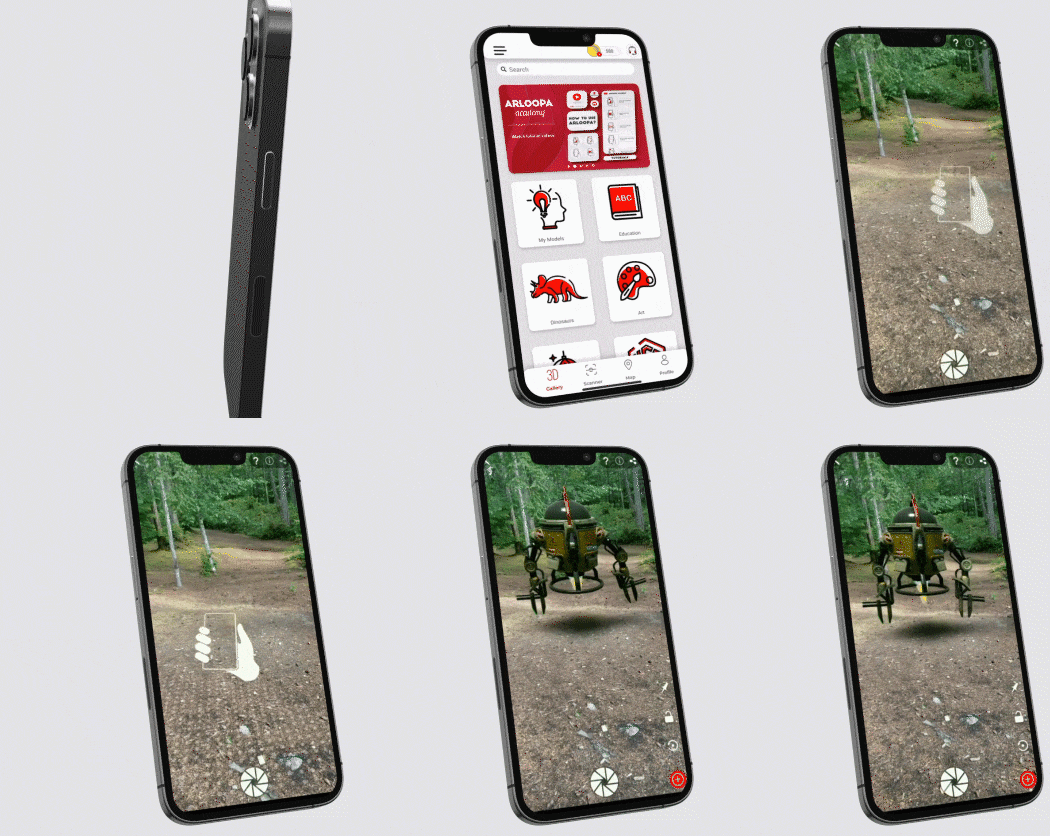
Download ARLOOPA App



Follow us






ARLOOPA
AR and VR experiences that connect the physical and digital worlds
ARLOOPA App
An AR tool merging physical and digital worlds

ARLOOPA Factory
A tool to transform 2D images into 3D models
ARLOOPA 3D Scanner
A tool to transform 2D images into 3D models
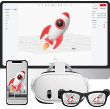
ARLOOPA Studio
Dive into advanced AR creation with Augmented Reality Creation Platform

XRDoctors
A solution to bring legacy AR/VR experiences back to life

To use the AR content scan the code with QR Scanner or camera and view it in your space.
Convert the reference image into a high-quality true 3D model for Augmented Reality (AR). Preserve the mouth, teeth, gums, cavities, plaque, and all surrounding objects. Use a colorful, child-friendly 3D educational cartoon style. Create real 360° geometry, not a flat 2.5D effect. Keep each object clear and recognizable. No text. Transparent background. Optimize for mobile AR, preferably GLB/GLTF or USDZ.
Full Screen
SCAN THE QR CODE