
 3D Model Requirements for Augmented Reality: How to Optimize Assets for ARLOOPA Studio
3D Model Requirements for Augmented Reality: How to Optimize Assets for ARLOOPA Studio
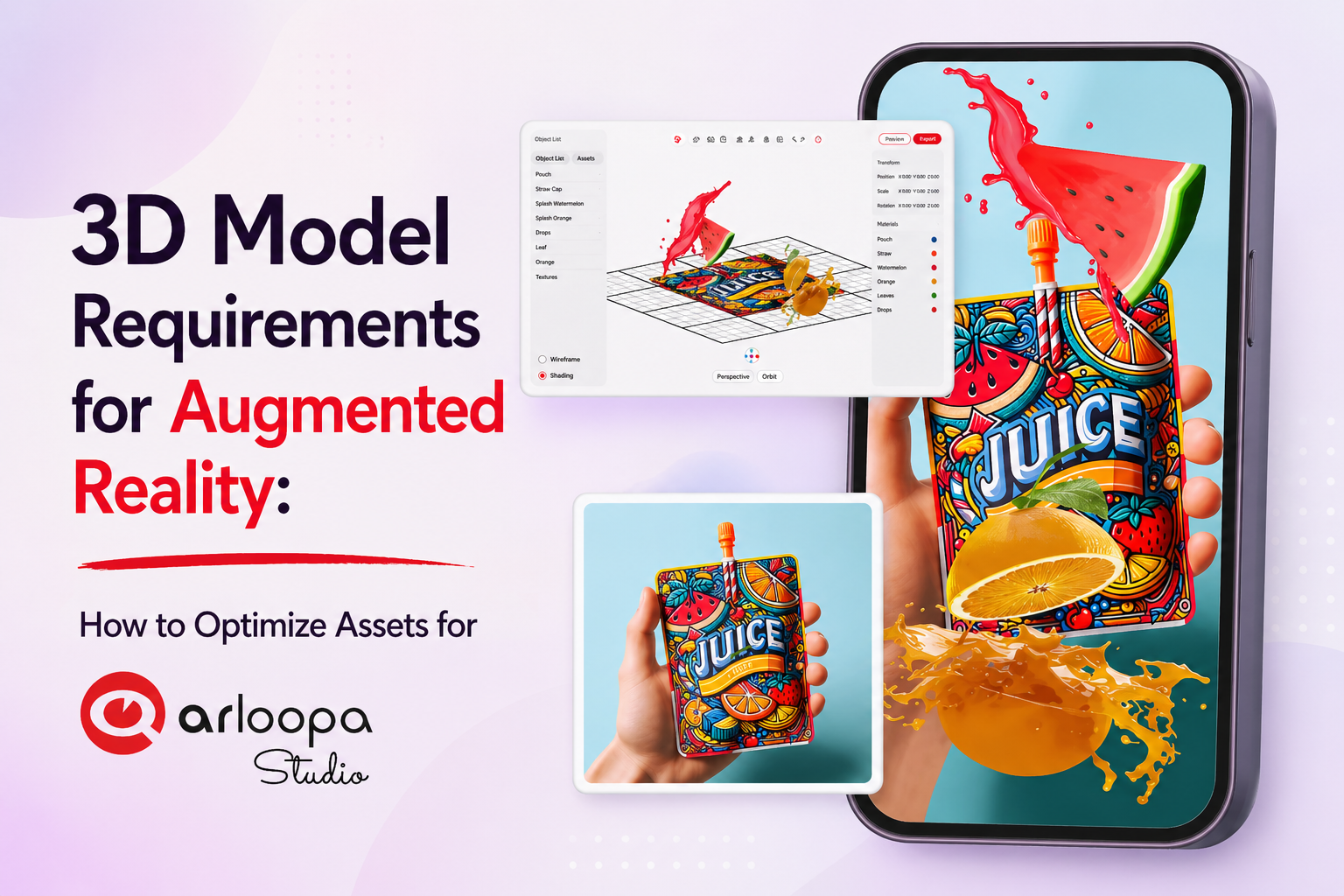
Creating high-quality Augmented Reality experiences starts with properly optimized 3D models. Whether you're building AR marketing campaigns, interactive packaging, or educational content, 3D model optimization is essential for performance and user experience.
In this guide, we’ll break down the 3D model requirements for ARLOOPA Studio and share best practices to help you create smooth, high-performing AR experiences.
Why 3D Optimization Matters in AR
Unlike desktop applications, AR experiences run in real time on mobile devices. Poorly optimized 3D models can cause:
- slow loading times
- laggy performance
- overheating devices
- crashes or glitches
That’s why following AR 3D model optimization guidelines is critical.
Supported File Formats
ARLOOPA Studio supports:
- *.GLB
- *.FBX (animations included, textures separate or included)
- *.OBJ
Custom plugins such as fur or hair systems are not supported, so models should be kept standard and compatible.
Polygon Count: Keep It Lightweight
Polygon count directly affects how smoothly your AR experience runs.
Recommended:
- Keep polygon count as low as possible
Supported:
- Up to 500K polygons
- Up to 1M polygons (rare cases)
However, performance depends not only on polygon count but also on structure.
Best Practice:
- Use a single mesh when possible
- Reduce the number of separate objects
This improves rendering speed and stability.
Textures and Materials Optimization
Textures are essential for visual quality but must be optimized.
Supported Formats:
- *.PNG
- *.JPG
Recommended Texture Size:
- Standard: up to 2048 px
- High detail: up to 4096 px
Best Practices:
- Minimize the number of materials
- Merge UV maps where possible
- Avoid duplicate textures
Efficient texture usage ensures faster loading and smoother performance.
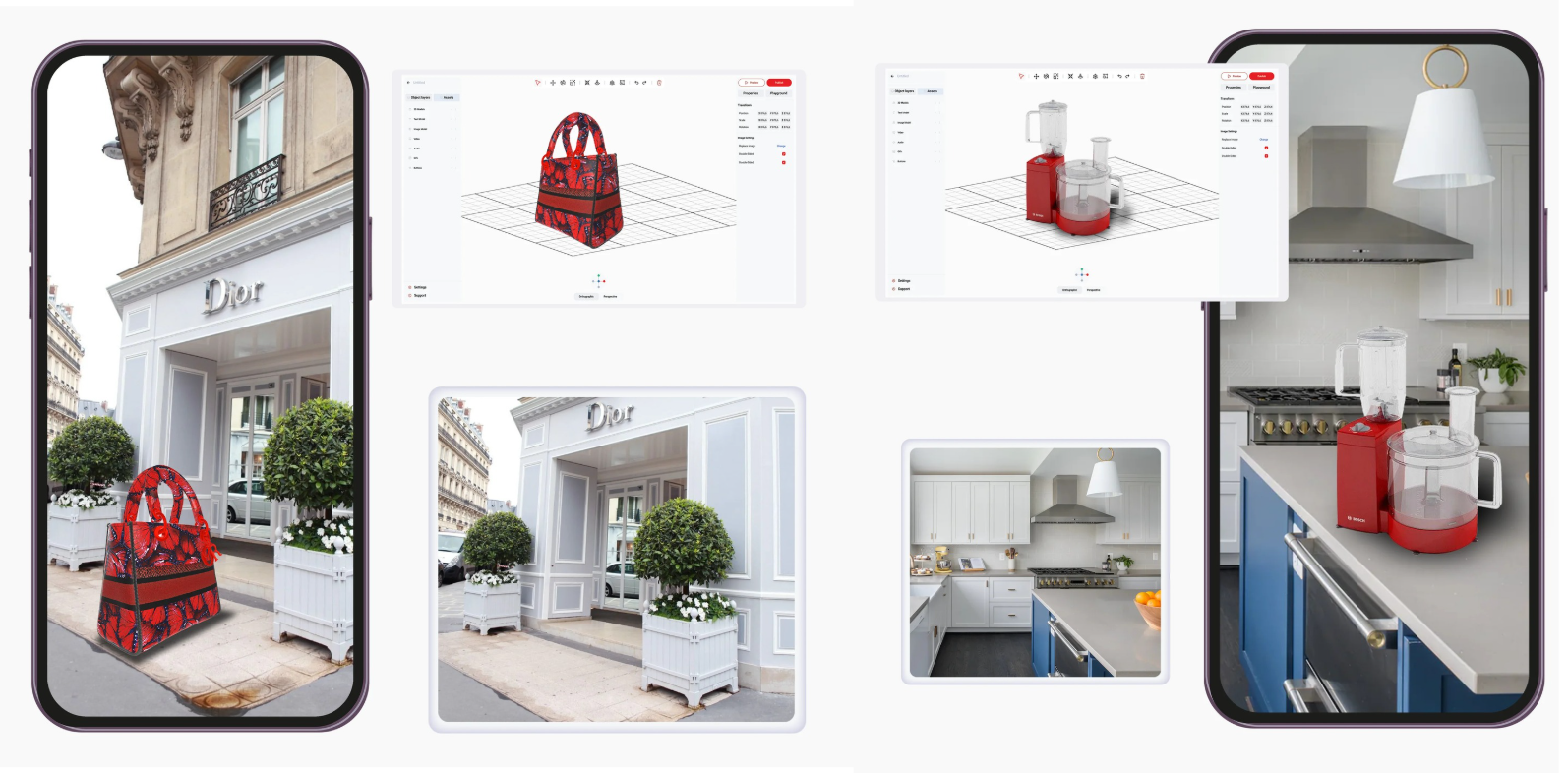
Animations and Blend Shapes
ARLOOPA studio supports both:
- animations
- blend shapes
Optimization Tips:
- Keep keyframe count low
- Avoid overly complex animations
- Use efficient animation loops
This ensures your AR experience remains responsive across devices.
Common Mistakes to Avoid
When preparing 3D models for AR:
- Using high-poly models without optimization
- Applying too many materials
- Using unsupported plugins
- Overloading scenes with multiple meshes
Avoiding these mistakes will significantly improve performance.
Best Practices for AR 3D Models
To create high-quality AR experiences:
Optimize Geometry
Keep models lightweight and efficient.
Simplify Materials
Use fewer materials and combine textures.
Test Performance
Always test your models on mobile devices.
Focus on Experience
Smooth performance is more important than extreme detail.
Optimizing 3D models is a key step in building successful AR experiences.
By following ARLOOPA’s requirements, you ensure:
- better performance
- faster loading
- improved user experience
If you want your AR content to stand out, start with clean, optimized 3D assets.


See more articles



Solutions