



 AR City Quests: Bringing Cities to Life with Augmented Reality
AR City Quests: Bringing Cities to Life with Augmented Reality
Cities are full of stories - hidden details, forgotten legends, cultural symbols, and everyday magic that often goes unnoticed. AR city quests are changing the way people explore urban spaces by blending the physical world with interactive digital experiences. Using augmented reality (AR), city quests turn streets, museums, parks, and landmarks into immersive playgrounds where learning, entertainment, and discovery meet.
In this article, we’ll explore what AR city quests are, why they’re becoming so popular, and how tools like ARLOOPA Studio make it easy to create them without coding.
What Are AR City Quests?
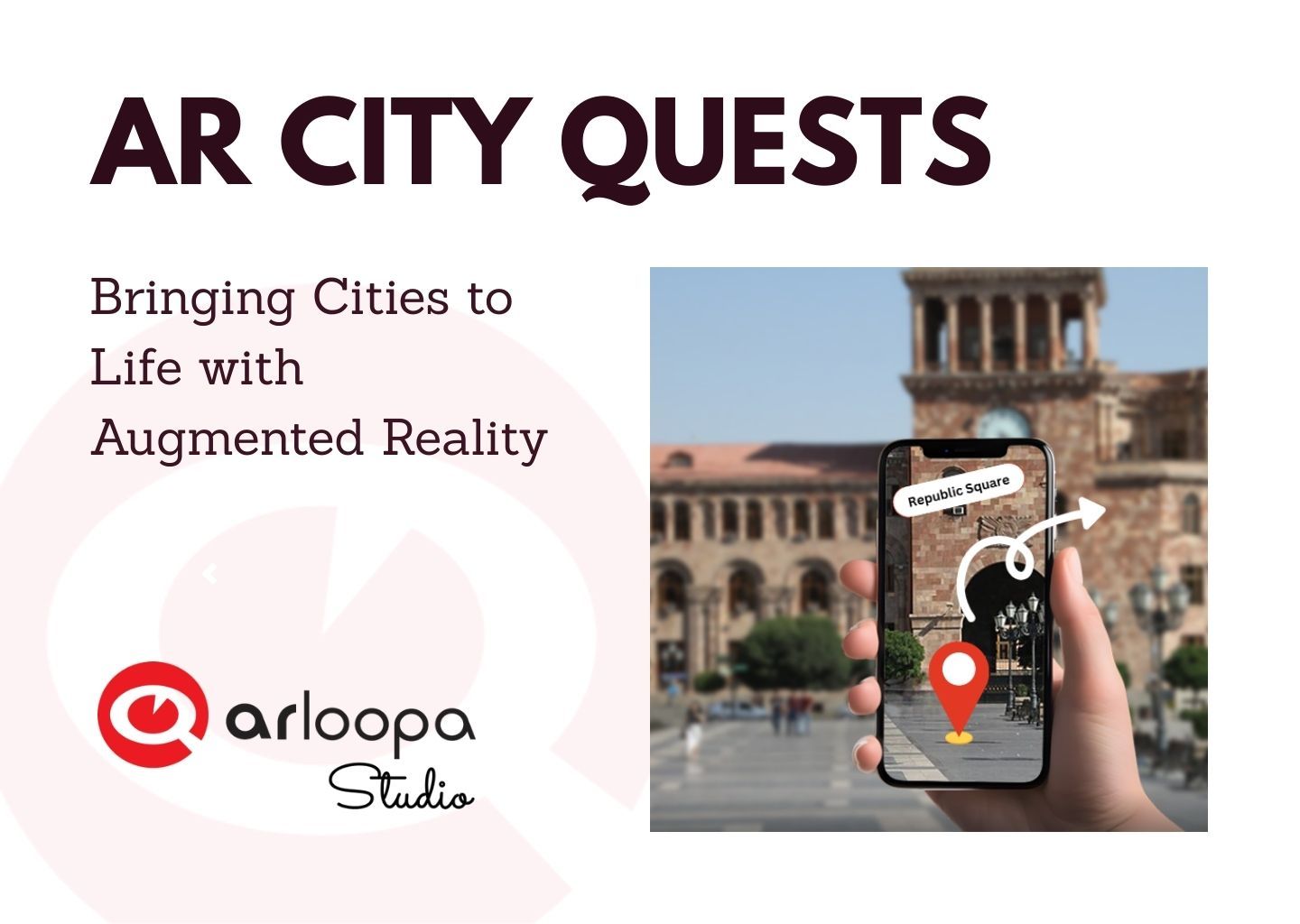
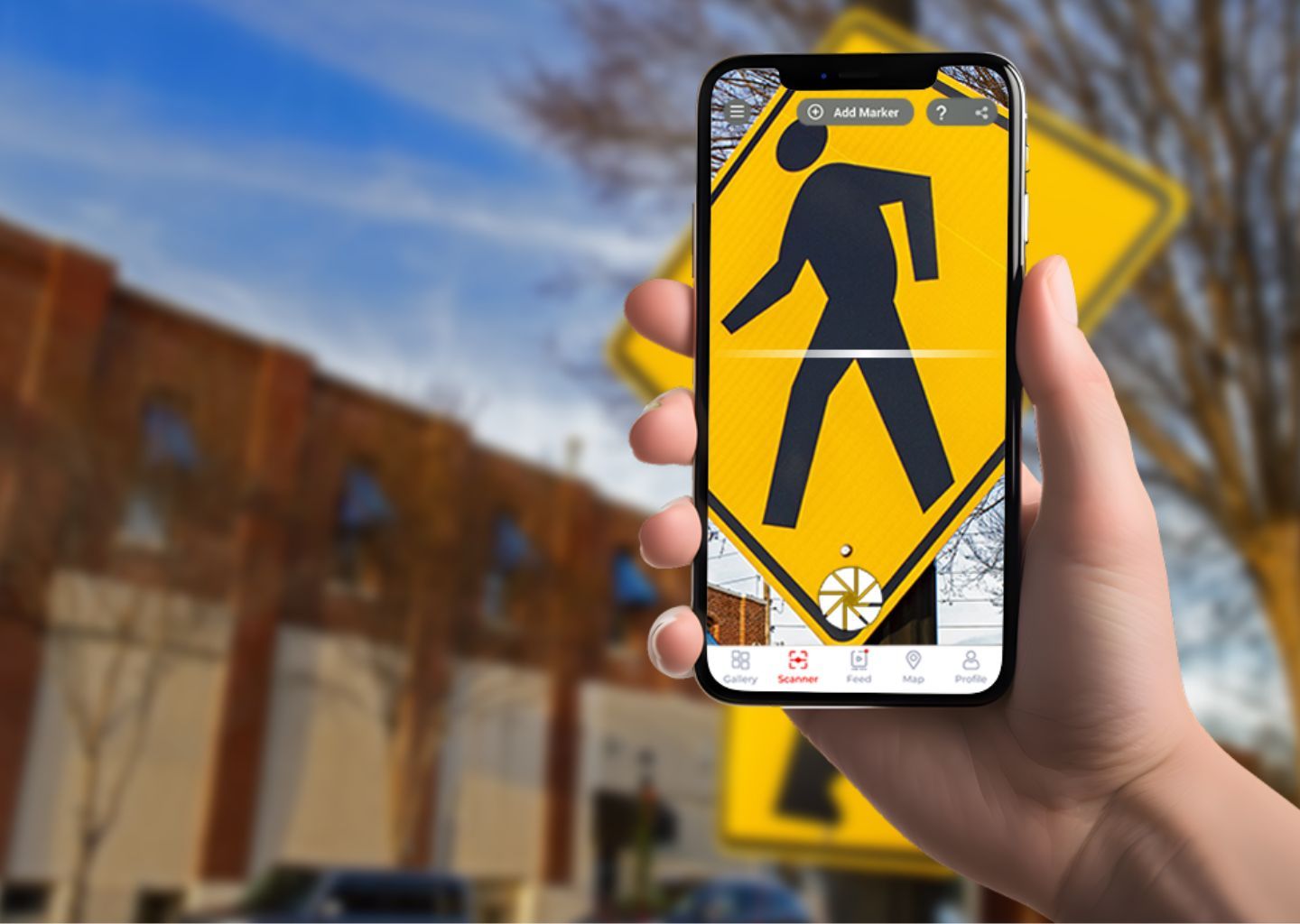
An AR city quest is an interactive experience that guides users through a city using augmented reality. Participants complete tasks, solve puzzles, discover virtual objects, or unlock stories by scanning locations, images, or landmarks with their smartphones.
AR city quests are often compared to:
- AR scavenger hunts
- Interactive city tours
- Gamified sightseeing experiences
- Educational AR walks
But unlike traditional tours, AR quests actively engage users. Instead of just listening or reading, players interact with the city.
Why AR City Quests Are Gaining Popularity
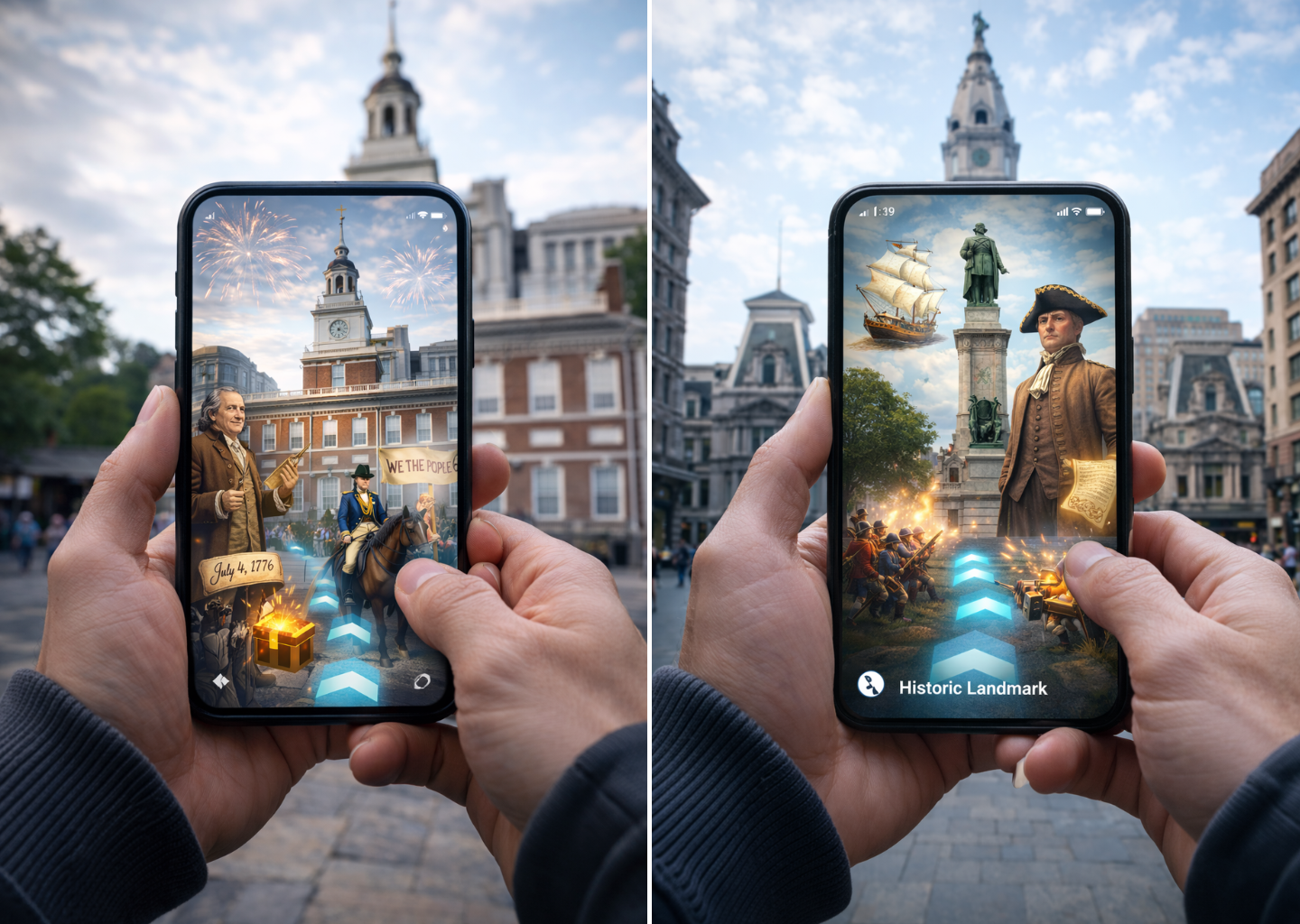
The rise of augmented reality tourism and smart city experiences has made AR city quests a powerful tool for multiple industries.
1. Engaging Way to Explore Cities
AR quests encourage people to walk, observe, and interact with their surroundings. Users don’t just visit places - they experience them.
2. Perfect for Tourism and Cultural Heritage
Tourism boards, museums, and municipalities use AR city games to:
- Highlight historical landmarks
- Share local legends and stories
- Promote lesser-known locations
- Create self-guided tours
3. Educational and Family-Friendly
Schools and cultural institutions use AR city quests for:
- History and geography lessons
- Museum extensions into public spaces
- Interactive learning for kids and teens
4. Events, Festivals, and Marketing Campaigns
Brands and event organizers create location-based AR quests to:
- Attract visitors
- Increase foot traffic
- Create memorable branded experiences
Creating AR City Quests with ARLOOPA Studio
Building an AR city quest might sound complex, but modern no-code AR platforms make it accessible to everyone. ARLOOPA Studio is one such tool that allows creators to design powerful AR experiences without technical expertise.
Why Use ARLOOPA Studio for AR City Quests?
With ARLOOPA Studio, you can:
- Create marker-based, markerless, and location-based AR experiences
- Add 3D models, images, videos, GIFs, and animations
- Build interactive scenarios for quests and games
- Design content for tourism, education, museums, and city events
- Collaborate with a team and track engagement through analytics
All AR content created in ARLOOPA Studio can be viewed instantly through the ARLOOPA mobile app, making it easy for users to join the quest.
The Future of AR City Quests
As smartphones, AR glasses, and spatial technologies evolve,AR city quests will become an essential part of urban exploration. Cities that adopt augmented reality today are investing in:
- Smarter tourism
- Deeper cultural engagement
- Innovative education
- Sustainable, digital-first experiences
AR city quests represent a powerful intersection of technology, storytelling, and real-world exploration. They transform cities into interactive spaces where people don’t just observe - they participate.
With platforms like ARLOOPA Studio, creating immersive AR city quests is no longer limited to developers. Whether you’re a city planner, educator, museum professional, or creative brand, ARLOOPA Studio gives you the tools to bring your city to life through augmented reality.
Ready to build your own AR city quest? The city is waiting to be explored - one AR experience at a time.


See more articles



Solutions