
 Valentine AR: How to Create Interactive Valentine’s Day Experiences with ARLOOPA
Valentine AR: How to Create Interactive Valentine’s Day Experiences with ARLOOPA
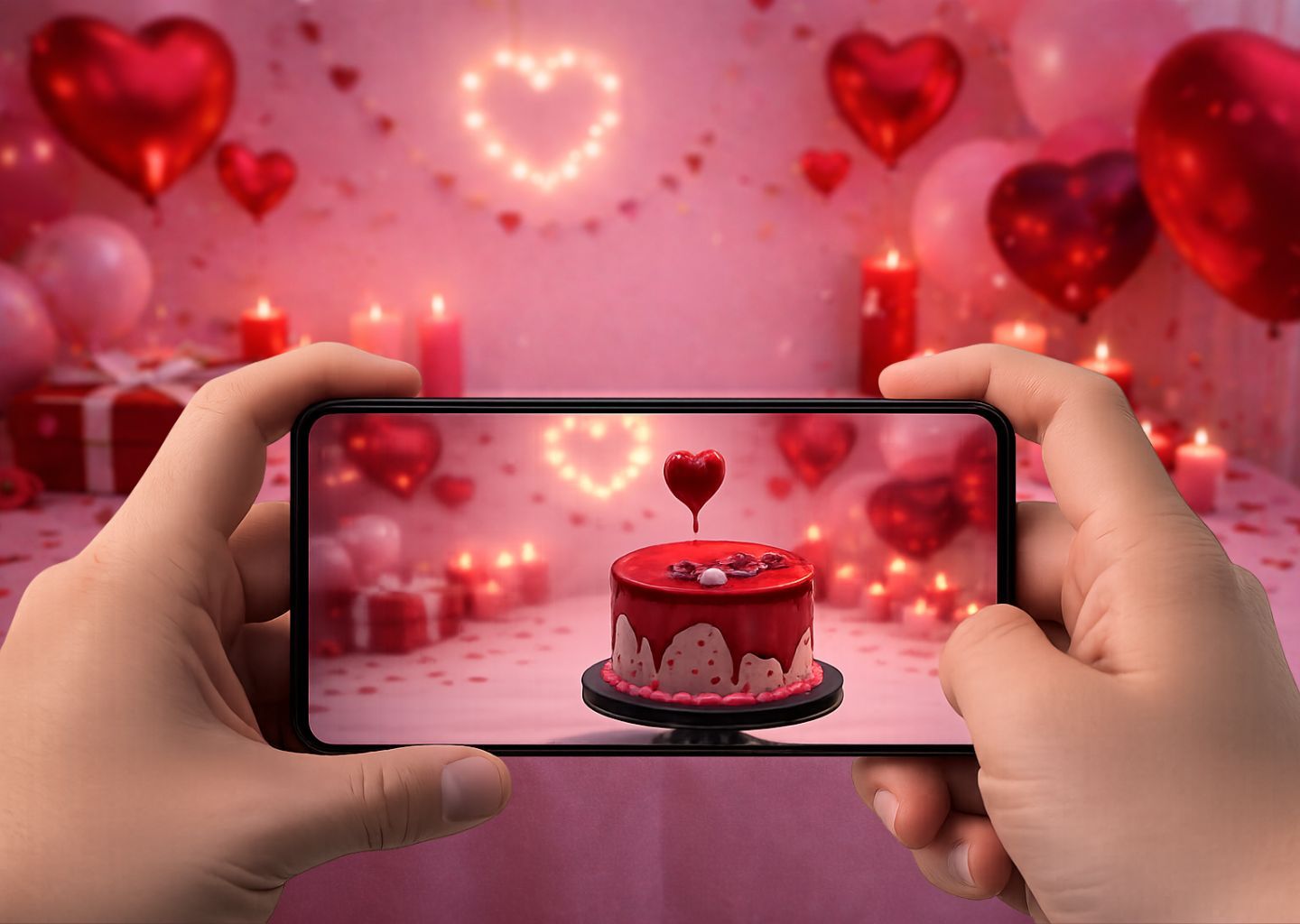
Valentine’s Day is all about emotions, connection, and meaningful moments. With Valentine AR experiences, you can turn simple gestures into unforgettable memories. Imagine scanning a Valentine’s card and seeing hearts float in the air, a love message appear in 3D, or a romantic animation unfold right in front of you.
With ARLOOPA Studio, anyone can create Valentine’s Day augmented reality experiences - no coding, no technical skills, just creativity and heart.
Why Use AR for Valentine’s Day?
Augmented reality for Valentine’s Day adds surprise and emotion to traditional gifts and campaigns. Valentine AR is perfect for:
💌 Interactive Valentine cards
🌹 Romantic AR surprises
📸 Valentine AR photo filters
🛍 Retail and brand Valentine campaigns
🏛 Museums, exhibitions, and events
📚 Educational and storytelling experiences
AR makes Valentine’s moments personal, immersive, and shareable.
Step 1: Define Your Valentine AR Story
Start with the emotion you want to create:
- A romantic message appearing in AR
- Floating hearts and roses
- A 3D gift box opening with a surprise
- A love story told through animation
- A Valentine AR scavenger hunt
Strong storytelling increases engagement and emotional impact.
Step 2: Prepare Valentine AR Assets
To build a Valentine AR experience, gather:
❤️ 3D hearts, flowers, rings, gift boxes
🎞 Videos (love notes, animations, romantic scenes)
🎶 Sound effects or music
💬 Text messages or voice notes
ARLOOPA Studio supports 3D models, images, videos, and audio, making Valentine AR easy to build.
Step 3: Build Your Valentine AR in ARLOOPA Studio
Here’s how to create step by step:
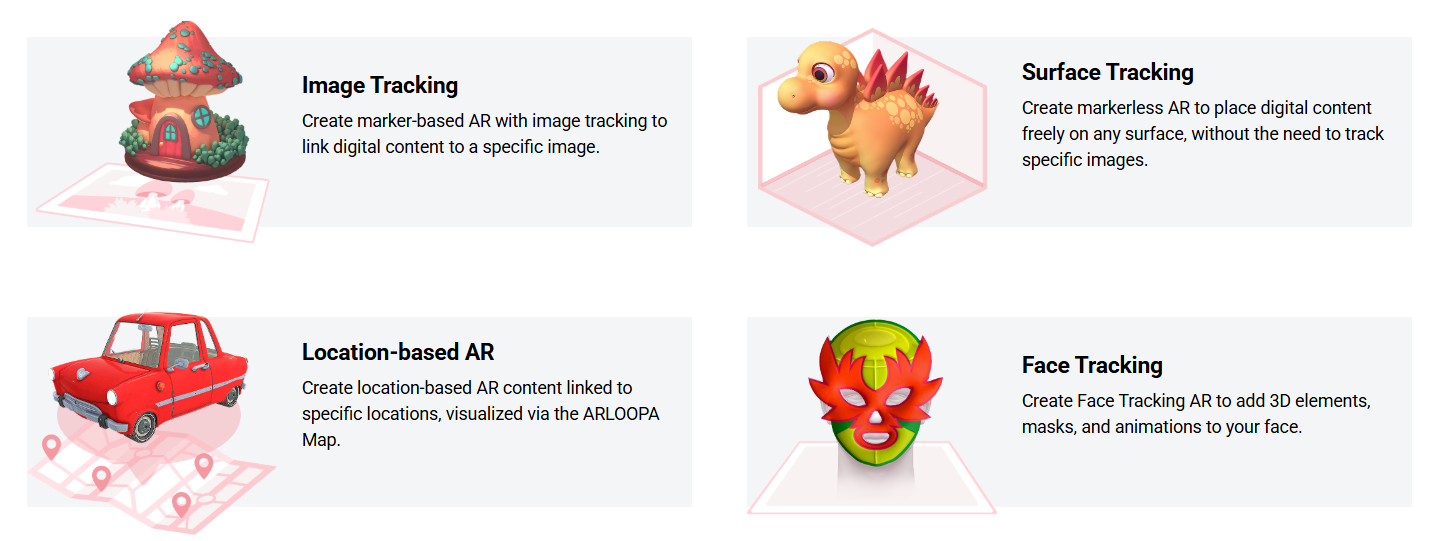
- Choose activation
Image tracking AR (like scanning a Valentien poster)
Surface tracking AR (free placement in space)
Location based AR (for quizzes and games linked to specific locations)
Face tracking AR (for themed face masks and filters)
- Upload your assets into ARLOOPA Studio.
- Arrange them in 3D space - make a ghost float above the ground or a bat circle overhead.
- Add sound effects for extra spookiness.
- Preview your Valentine AR effect instantly in the free ARLOOPA app.
Step 4: Share Your Valentine AR Creations
Once your Valentien experience is ready, share it with friends, students, or customers:
- Print the image trigger like an event poster or the QR code.
- Share the AR link on social media to let people instantly try your effect.
- Encourage users to record Valentine AR videos and tag you - making your project spread faster
These are simple yet powerful ways to bring Valentine to life with augmented reality.
With ARLOOPA Studio, anyone can build a custom Valentine AR effect - no coding required. Whether you’re a teacher creating a classroom activity, a brand planning a Halloween campaign, or just someone who loves spooky fun, augmented reality Halloween experiences are a great way to surprise and delight.
Ready to create your own Valentine AR adventure? Start today with ARLOOPA Studio.


See more articles



Solutions