
 How to Build a Product Configurator in ARLOOPA Studio: Explore Different Fabric Colors
How to Build a Product Configurator in ARLOOPA Studio: Explore Different Fabric Colors
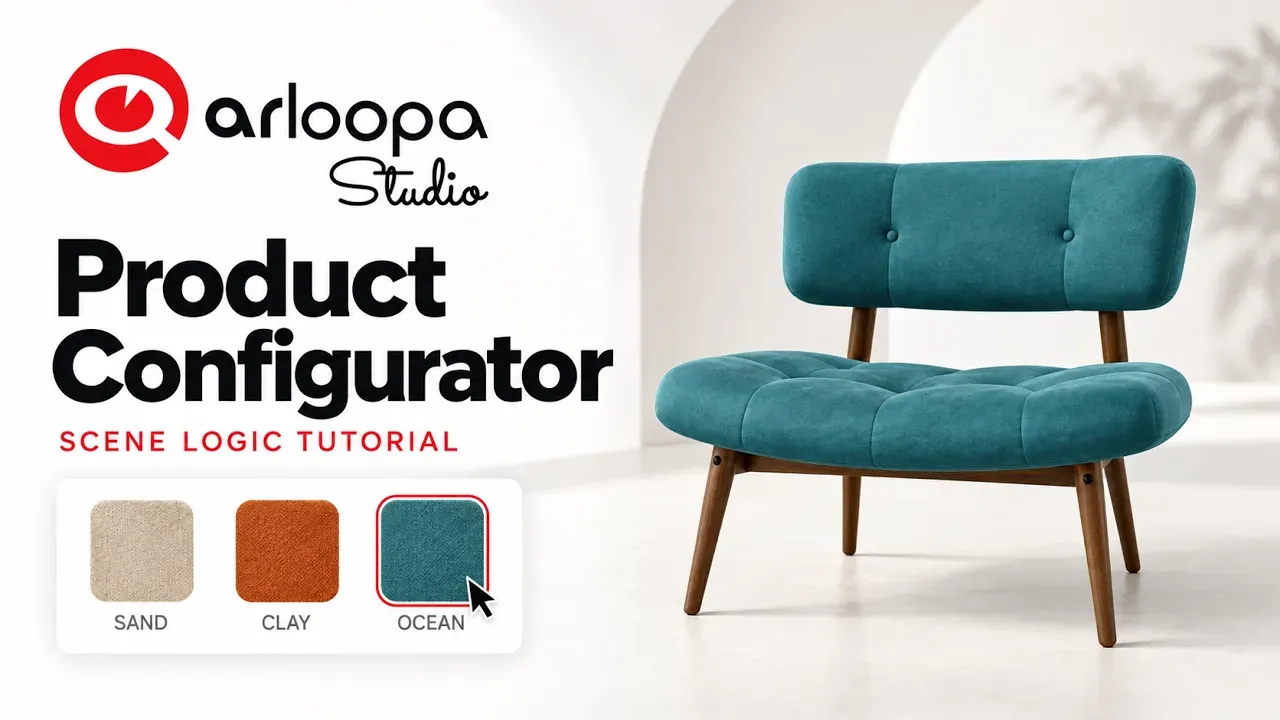
Want to let customers explore different product options before making a purchase? A product configurator makes it possible to visualize variations of a product and create a more interactive shopping experience.
With ARLOOPA Studio, you can create augmented reality experiences that help people engage with digital content in a more visual and intuitive way. In this tutorial, we'll explore how to build a product configurator focused on fabric colors, giving users a way to discover different looks for a product.
Watch the Tutorial
Follow the video tutorial below to see how to build a fabric color configurator in ARLOOPA Studio.
What Is a Product Configurator?
A product configurator is an interactive tool that allows customers to explore different versions of a product before deciding which one they prefer.
For example, a furniture brand could let customers explore a sofa in different fabric colors. Instead of relying on static product photos, customers can interact with a digital representation and compare available options.
Product configurators can be useful for many industries, including:
- Furniture and interior design: Explore sofa upholstery, chair fabrics, and other design options.
- Fashion and apparel: Showcase different colors and material variations.
- Home decor: Visualize products in different finishes and styles.
- Retail and e-commerce: Help customers understand product variations before purchasing.
How to Build a Fabric Color Configurator in ARLOOPA Studio
Follow along with the video to learn how to create your own product configurator.
Step 1: Prepare Your Product
Start with the product you want to showcase. Think about which elements customers should be able to explore and which fabric colors you want to offer.
Having a clear idea of the available variations will help you plan the experience.
Step 2: Create Your Experience in ARLOOPA Studio
Open ARLOOPA Studio and start setting up your augmented reality experience.
Use the tutorial above as your visual guide to follow the creation process and configure your project.
Step 3: Set Up the Fabric Color Variations
The main goal of this project is to showcase a product in different fabric colors.
Consider how each variation will look and how users will move between the available options. Clear visual differences make it easier for customers to compare styles and find their preferred look.
Step 4: Test the Experience
Before sharing your configurator, test it to make sure the product and its variations appear as expected.
Check the visual quality, the user experience, and how easily someone can explore the available colors.
Step 5: Share Your Interactive Product Experience
Once your project is ready, you can use it as part of a product presentation or a broader digital customer experience.
An interactive configurator can complement product pages, marketing campaigns, sales presentations, and in-store experiences.
Why Use AR for Product Configuration?
Traditional product images show customers what a product looks like in a particular version. Interactive and augmented reality experiences can offer a more engaging way to explore products and their variations.
A fabric color configurator can help businesses:
- Present product variations more visually.
- Create engaging product demonstrations.
- Help customers compare different styles.
- Make digital product presentations more interactive.
- Explore new ways to showcase products online and offline.
For furniture brands, interior designers, and retailers, these experiences can help bridge the gap between browsing a product online and imagining it in real life.
Create Your Own Product Configurator
You don't have to limit product presentations to static images. With ARLOOPA Studio, you can explore new ways to present products through interactive augmented reality experiences.
Watch the tutorial, follow the steps, and start experimenting with your own product configurator.
Ready to create your own AR experience? Explore ARLOOPA Studio and bring your ideas to life.


See more articles



Solutions