


 How to Build Your Own Easter AR Experiences with ARLOOPA Studio
How to Build Your Own Easter AR Experiences with ARLOOPA Studio
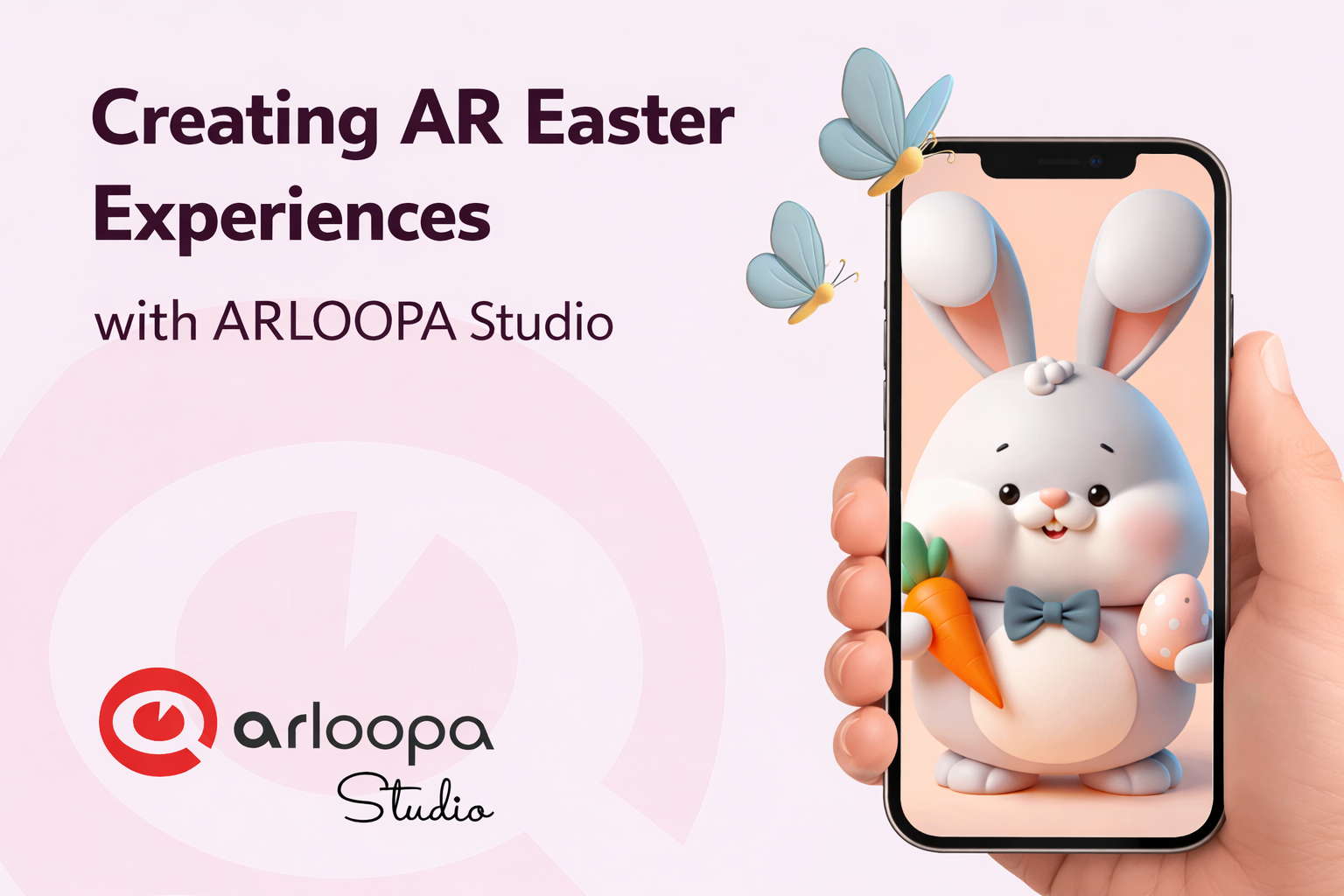
Easter is a season filled with joy, creativity, and colorful traditions—from egg hunts to festive decorations. For brands, educators, and creators, it’s also the perfect opportunity to build memorable digital experiences.
With ARLOOPA Studio, you can transform traditional Easter elements like greeting cards, posters, packaging, or invitations into interactive augmented reality experiences.
In this guide, we’ll explore how you can create engaging AR Easter campaigns and experiences using ARLOOPA Studio.
Why Use Augmented Reality for Easter Campaigns?
Augmented reality blends digital content with the physical world, allowing users to interact with virtual elements through their smartphone cameras. It turns everyday objects—like printed cards or product packaging—into interactive experiences.
Brands increasingly use AR for seasonal marketing because it encourages engagement and social sharing. Interactive campaigns such as AR Easter egg hunts or AR filters can significantly increase user participation and excitement around a brand or event.
With ARLOOPA Studio, creating these experiences is simple and requires no advanced coding skills.
5 Creative Easter AR Ideas You Can Build with ARLOOPA Studio
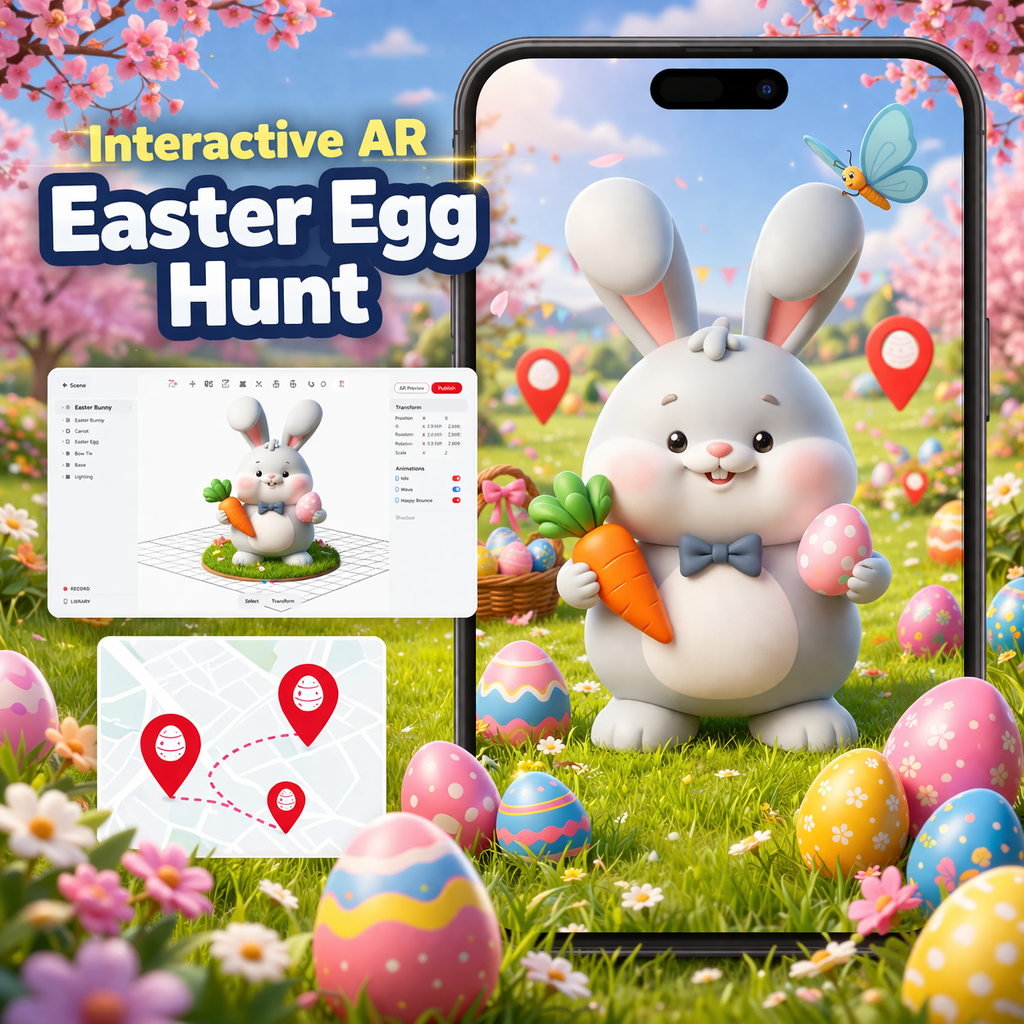
1. Interactive AR Easter Egg Hunt
One of the most popular Easter activities is the egg hunt. With AR, you can turn this tradition into an immersive digital adventure.
Imagine users scanning posters, flyers, or locations to reveal hidden 3D Easter eggs, bunnies, or surprises.
AR egg hunts have already been used in events and festivals, where scanning markers reveals animated characters and rewards.
How to create it in ARLOOPA Studio:
- Place AR markers around a location or on printed materials
- Add animated 3D eggs or Easter characters
- Include rewards, clues, or hidden messages
This approach works perfectly for events, malls, museums, or educational activities.
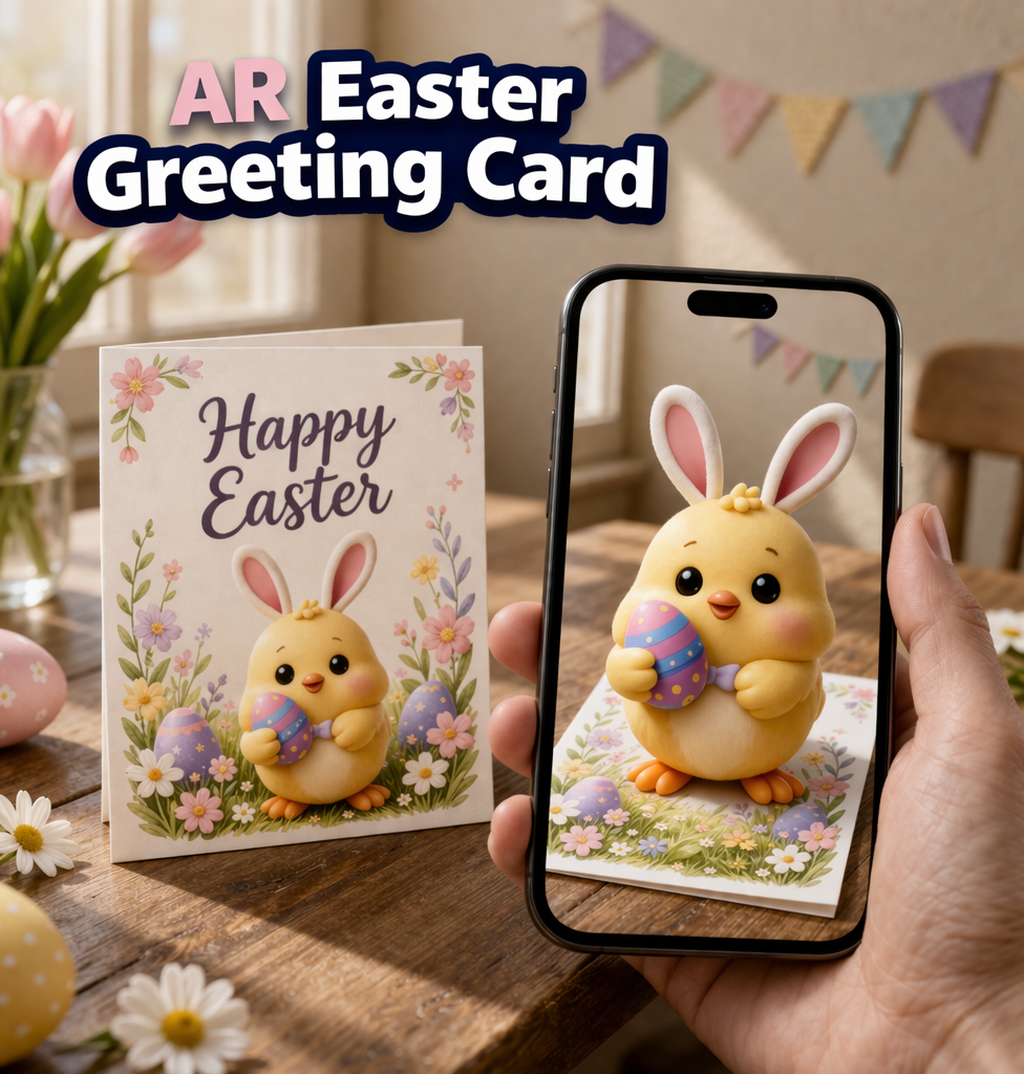
2. AR Easter Greeting Cards
Bring traditional Easter cards to life with augmented reality.
When users scan a printed greeting card using the ARLOOPA, they could see:
- a 3D Easter bunny jumping out of the card
- colorful eggs appearing in animation
- a personalized video message
This is a great way for brands, schools, or families to create interactive Easter greetings.
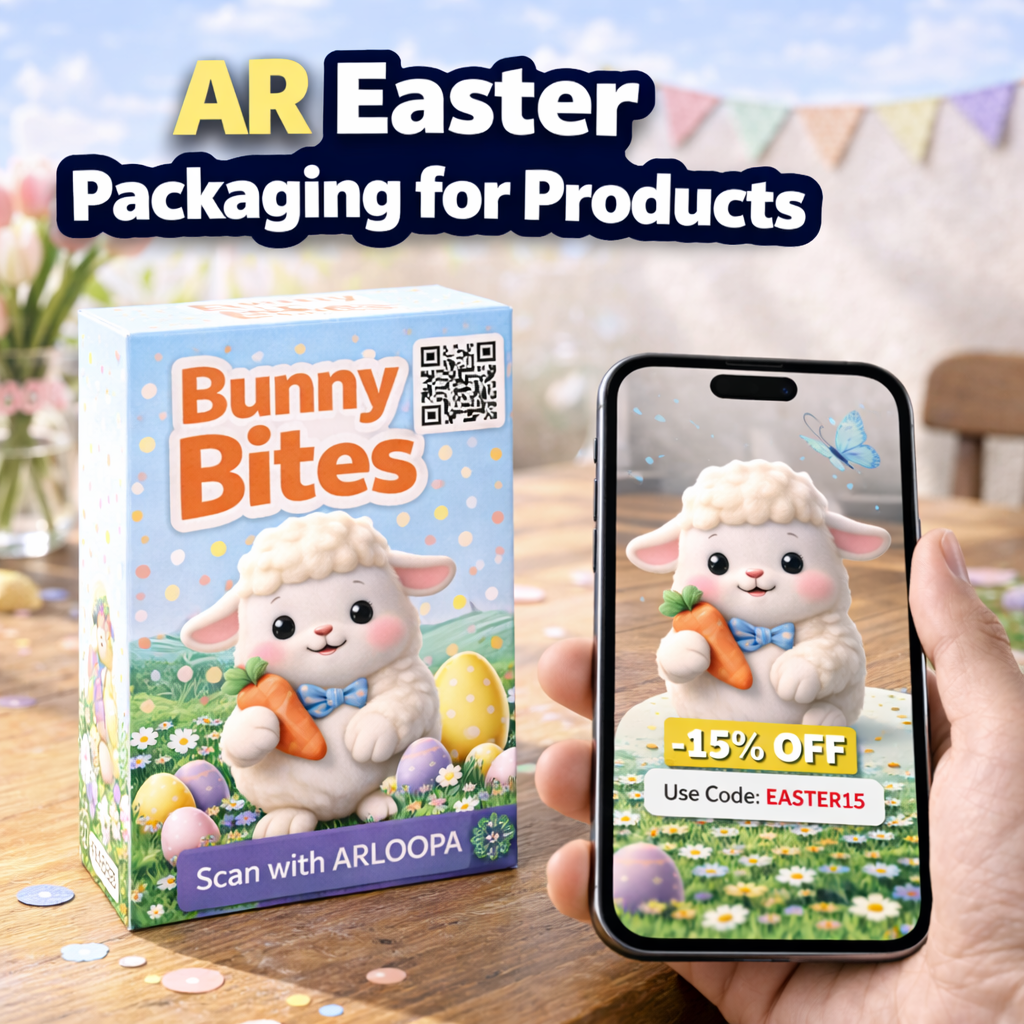
3. AR Easter Packaging for Products
Retailers can transform their product packaging into an AR experience.
By scanning a package, customers could unlock:
- animated Easter-themed characters
- mini games
- discount codes or hidden prizes
Augmented reality packaging is increasingly used by brands to reveal extra digital content when scanned with a smartphone.
For Easter campaigns, this approach can turn a simple product into an interactive storytelling experience.
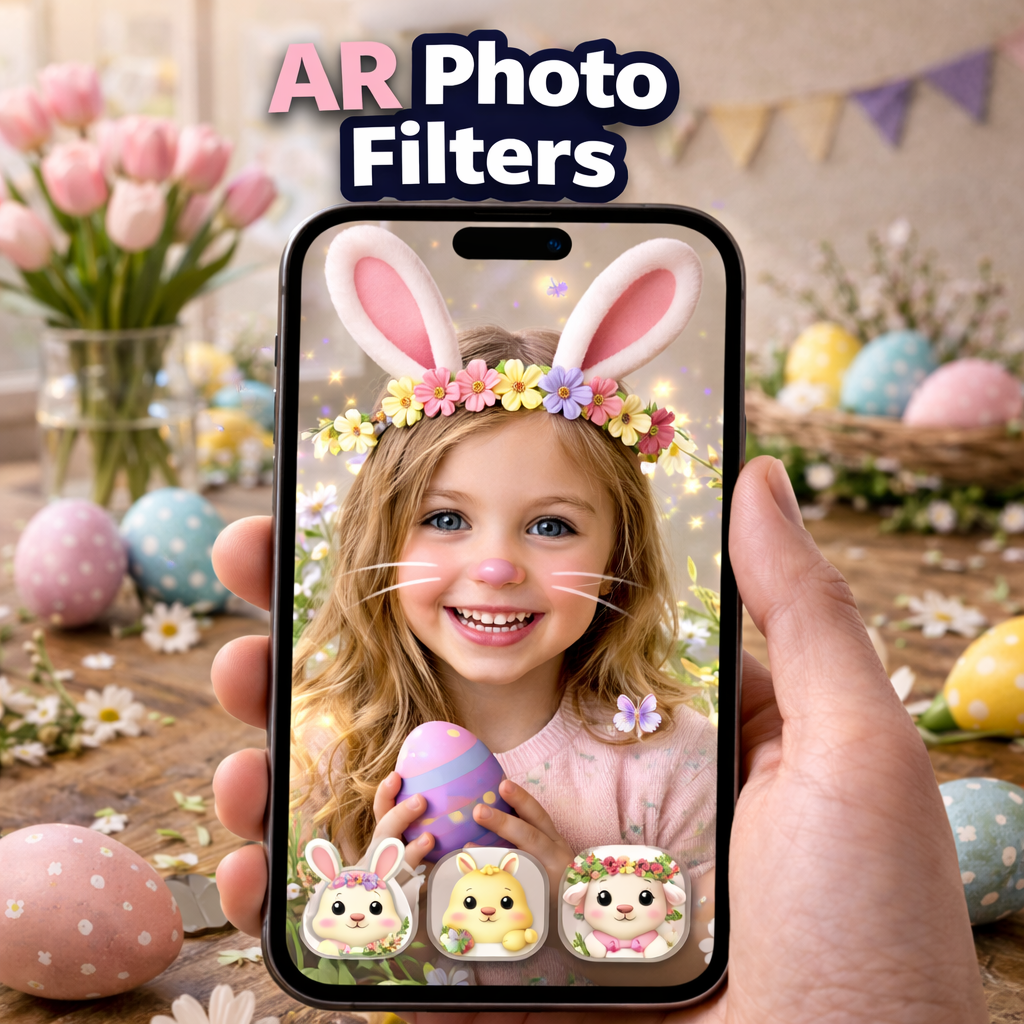
4. AR Photo Filters and Social Media Experiences
Easter-themed AR filters are perfect for social media engagement.
Users can scan a poster or card and instantly see:
- bunny ears or flower crowns
- animated butterflies
- colorful Easter eggs floating around them
These playful experiences encourage people to share photos and videos online, helping brands expand their reach organically.
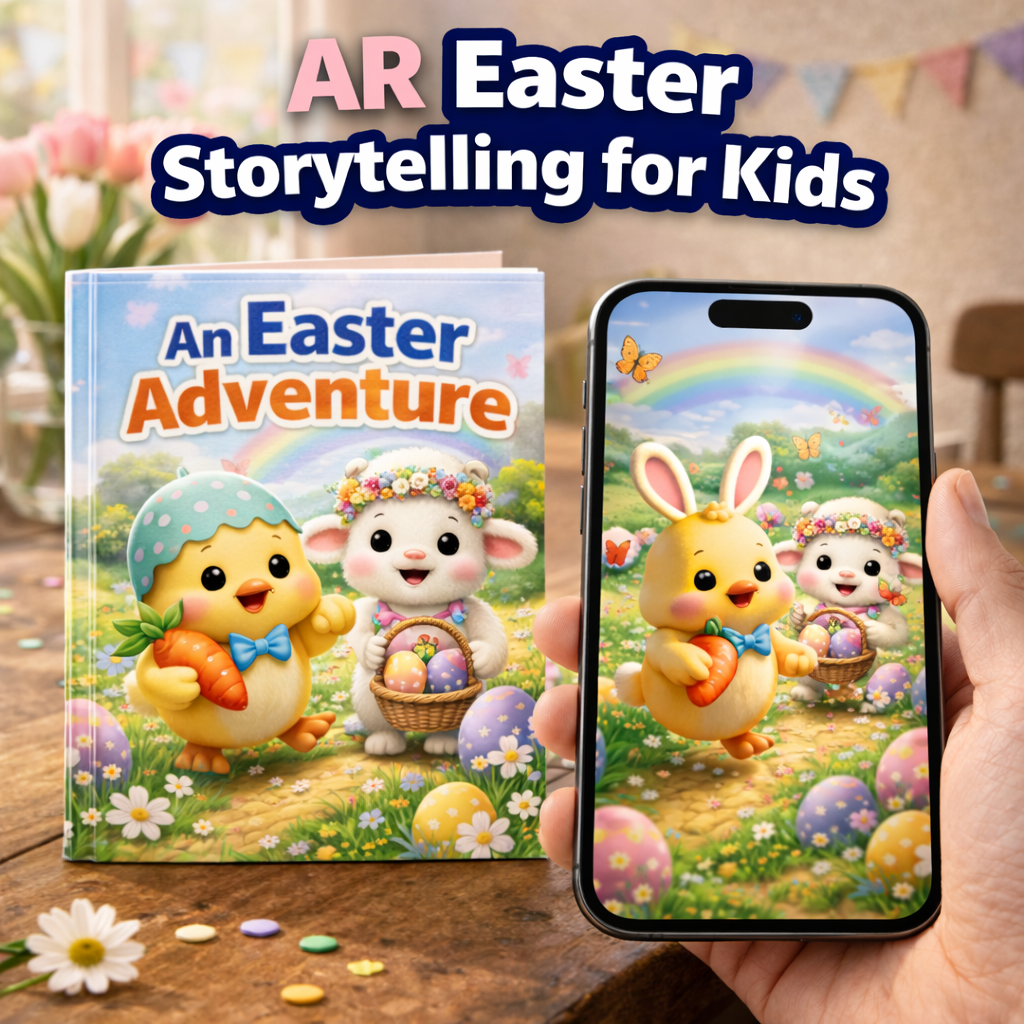
5. AR Easter Storytelling for Kids
Augmented reality is also a powerful educational tool.
Using ARLOOPA Studio, you can create interactive Easter stories where:
- characters appear in 3D
- animations guide children through a story
- users tap objects to trigger sounds or actions
This works beautifully for schools, children’s books, museums, and family events.
How to Create an Easter AR Experience in ARLOOPA Studio
Creating an AR Easter project is straightforward:
- Upload Your Trigger Image
Choose an image that will activate the AR experience, such as:
- Easter cards
- posters
- packaging
- invitations
2. Add Easter-Themed Content
Upload digital elements like:
- 3D eggs, bunnies, or chicks
- animations
- videos
- music or sound effects
ARLOOPA Studio includes asset libraries, making it easy to find holiday objects and animations.
3. Position the AR Elements
Use the editor to place and scale your content so it aligns perfectly with the trigger image.
4. Publish Your Experience
Once your project is ready, publish it so users can view it through the ARLOOPA.s
📌 Marker-Based AR
(Users scan an Easter card, poster, shop logo, or product packaging)
📌 Markerless AR (Surface AR)
(People place objects on real surfaces)
📌 Location-based AR
📌 Face Filters


See more articles



Solutions