




 Team Collaboration in AR: How to Build Augmented Reality Projects Together with ARLOOPA Studio
Team Collaboration in AR: How to Build Augmented Reality Projects Together with ARLOOPA Studio
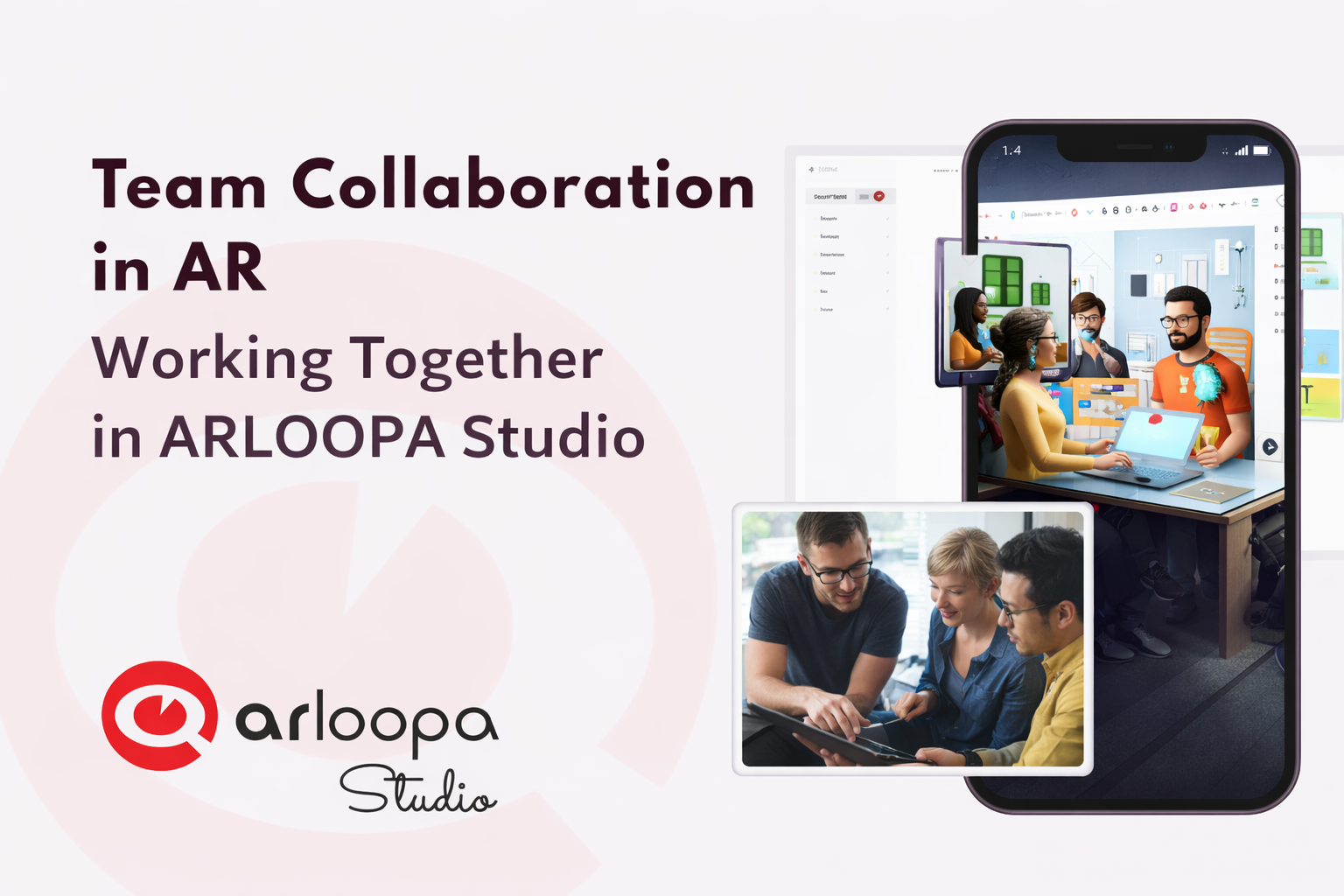
Augmented Reality is no longer a one-person experiment - it’s a team effort. From designers and marketers to educators and developers, creating impactful AR experiences requires collaboration across multiple roles.
With ARLOOPA Studio, teams can seamlessly work together in a shared environment to design, edit, and launch AR projects faster than ever - without writing code.
In this article, we’ll explore how team collaboration works in AR and how you can use ARLOOPA Studio to streamline your workflow.
Why Collaboration Matters in AR Projects
Creating an AR experience involves multiple layers:
- 3D design and assets
- Storytelling and content
- Technical setup
- Testing and optimization
When handled by one person, the process can be slow and limiting. But with a team:
- Ideas improve through feedback
- Tasks are completed faster
- Quality increases across every stage
That’s why collaborative tools are essential for modern AR creation.
How ARLOOPA Studio Enables Team Collaboration
1. Shared Project Workspace
ARLOOPA Studio allows multiple team members to work on the same project. This means:
- No more sending files back and forth
- Everyone works on the latest version
- Changes are visible in real time
- Perfect for distributed teams or agencies working with clients.
2. Role Distribution Made Simple
Different team members can focus on what they do best:
- Designers upload and position 3D models
- Marketers add messaging and visuals
- Educators structure interactive learning flows
- This division of roles keeps workflows clean and efficient.
3. Easy Content Management
With built-in libraries for images, videos, and 3D assets, teams can:
- Organize files in one place
- Reuse content across projects
- Maintain brand consistency
- No need for external tools or complicated file systems.
4. Real-Time Testing and Iteration
Collaboration isn’t just about building - it’s about improving.
Teams can:
- Instantly preview AR experiences on devices
- Share feedback quickly
- Make updates without delays
This short feedback loop leads to better results and faster launches.
The Future of AR Is Collaborative
As AR continues to grow, the way we create it is evolving. The future belongs to teams that can move fast, experiment, and iterate together.
ARLOOPA Studio empowers teams to do exactly that - bringing ideas to life through seamless collaboration, without the need for complex development.
Ready to Build Together?
Start creating collaborative AR experiences today with ARLOOPA Studio and transform the way your team works.


See more articles



Solutions