
 Video Requirements for Augmented Reality: How to Optimize Videos for ARLOOPA Studio
Video Requirements for Augmented Reality: How to Optimize Videos for ARLOOPA Studio
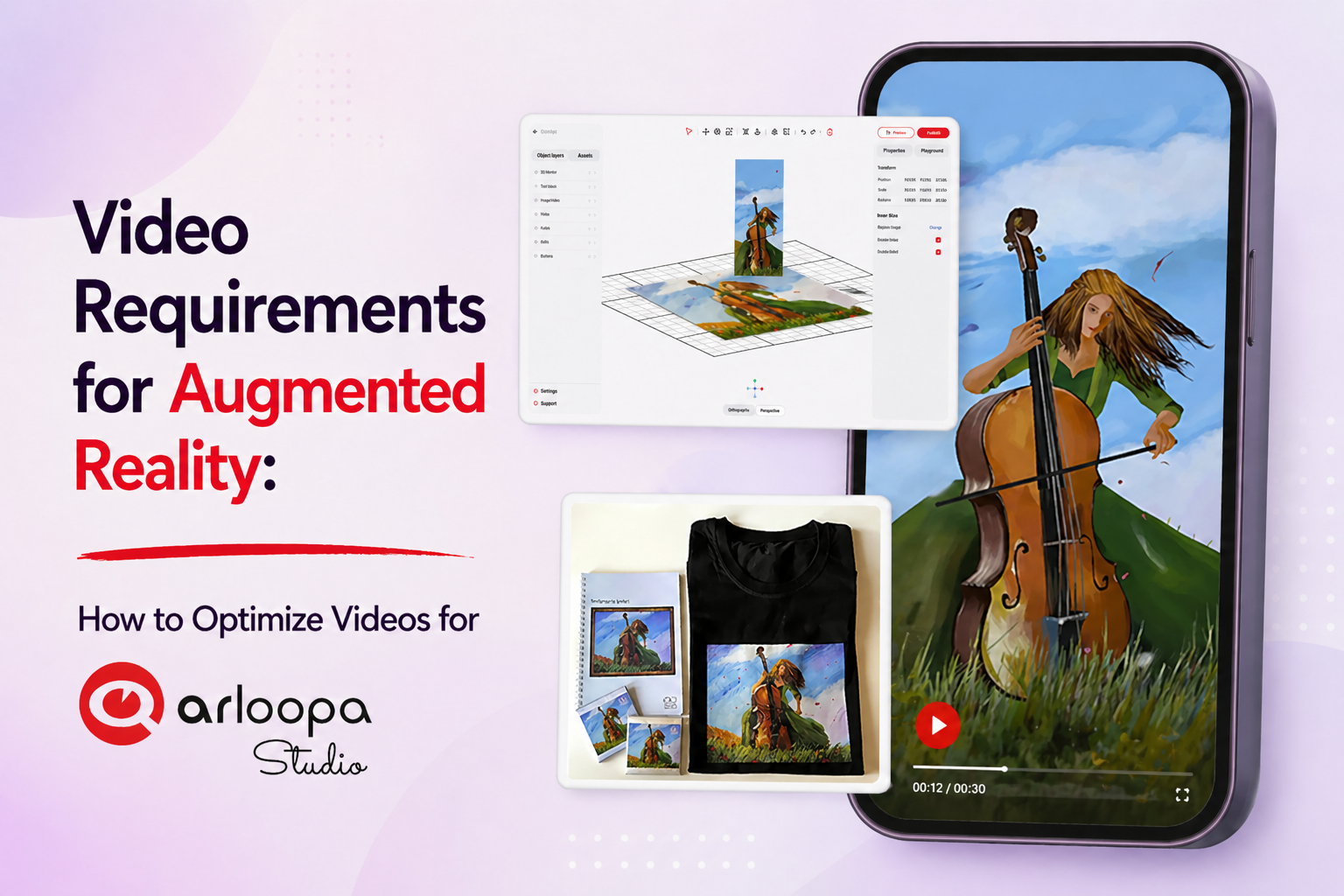
Video content plays a powerful role in Augmented Reality experiences. From storytelling and tutorials to interactive marketing campaigns, video can bring AR experiences to life.
However, to ensure smooth playback, it’s important to follow proper AR video optimization guidelines.
In this guide, we’ll explain the video requirements for ARLOOPA Studio and how to prepare videos for the best performance.
Why Video Optimization Matters in AR
Unlike traditional video platforms, AR experiences require videos to run in real time within a 3D environment.
Unoptimized videos can lead to:
- slow loading
- laggy playback
- high battery usage
- poor user experience
That’s why video optimization is essential.
Supported Video Formats
ARLOOPA studio supports:
- *.MP4
- *.WebM (currently without transparency support)
MP4 is the most commonly used and recommended format for compatibility.
Resolution and Performance Settings
To ensure smooth playback:
Maximum Resolution:
- 1920x1080 (horizontal)
- 1080x1920 (vertical)
Bitrate:
- Recommended: 5–10 Mbps
Frame Rate:
- Maximum: 30 FPS
Keeping these settings ensures your video performs well across devices.
Transparency in AR Videos
Transparent videos are often used to overlay content onto real-world environments.
There are two main methods:
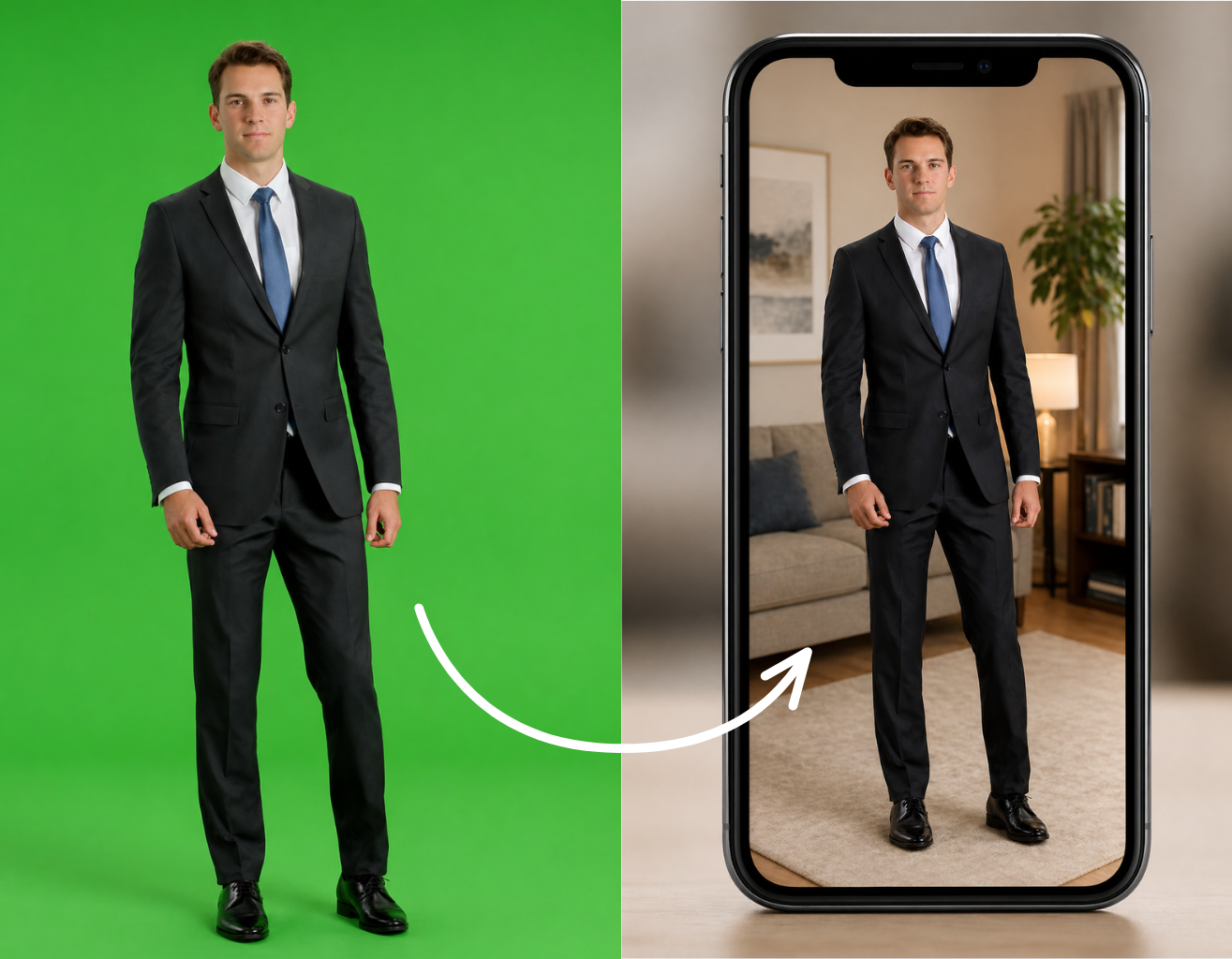
1. Chroma Key (Green Screen)
- Uses a solid background color
- The background is removed in AR
Best for:
- simple video overlays
- character animations
2. Alpha Mask Video
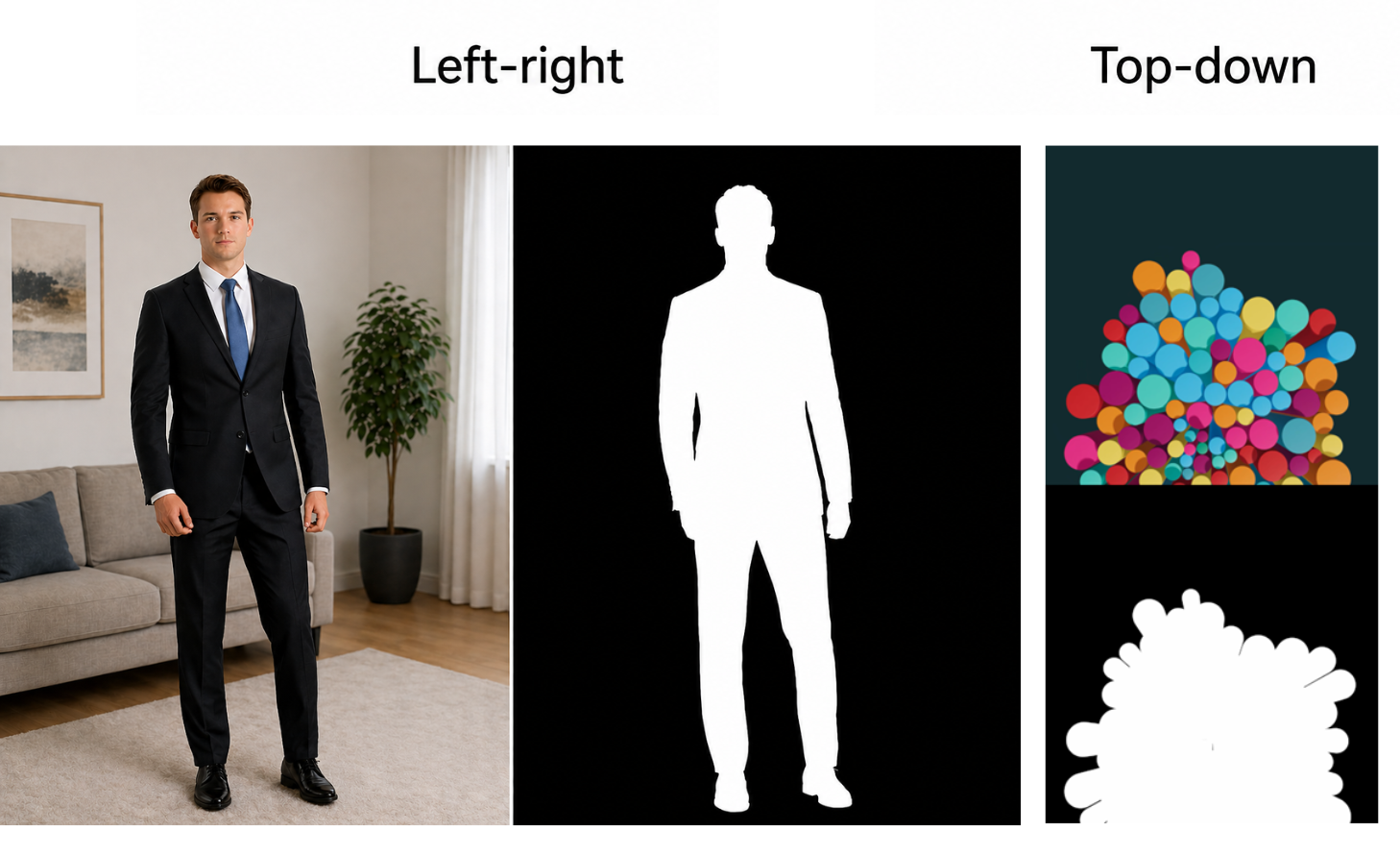
- Combines two videos in one file
- One contains color
- One contains transparency (mask)
Layout Options:
- Left-right
- Top-down
360 Video Requirements
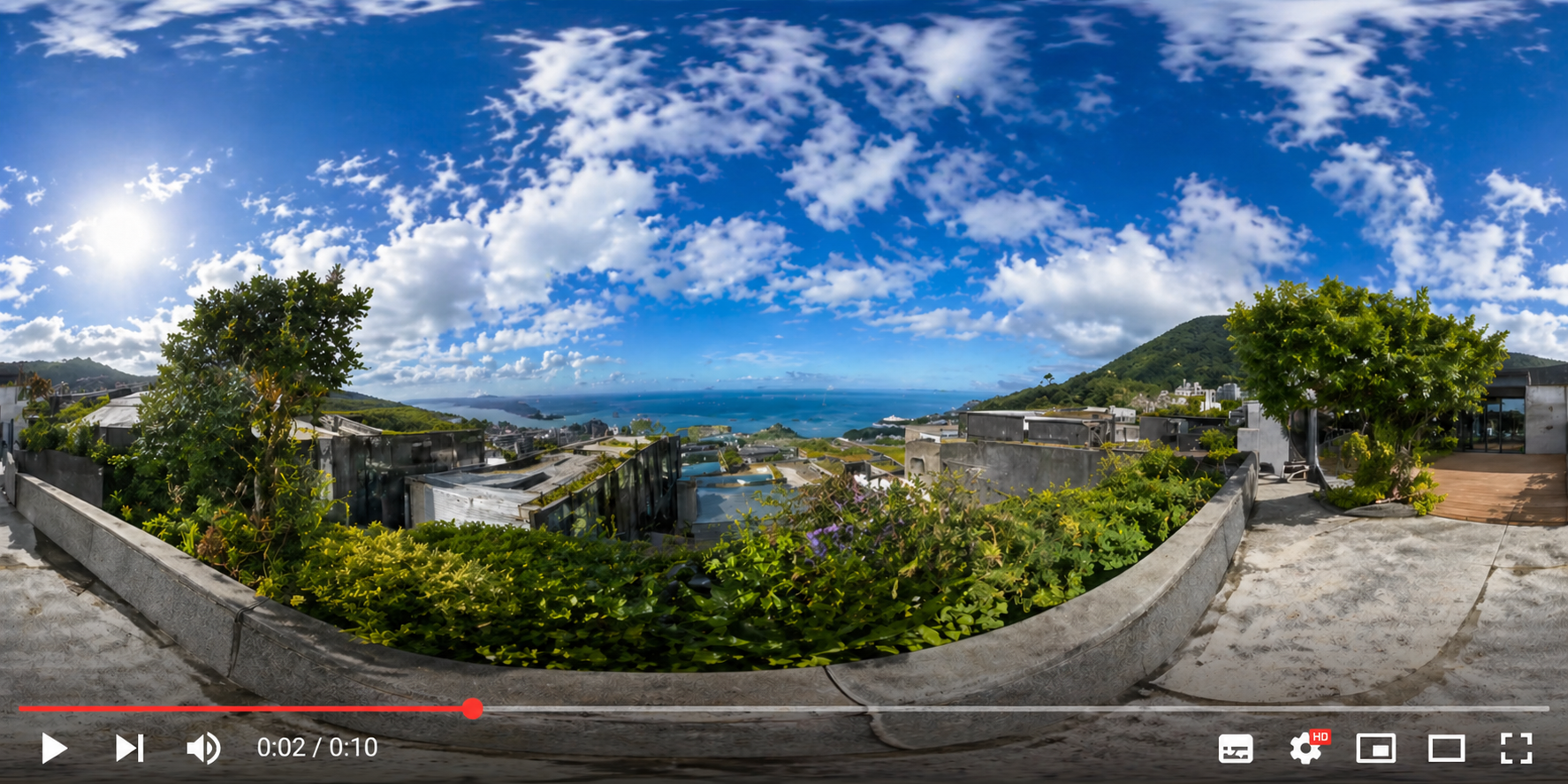
For immersive experiences, ARLOOPA studio supports 360° videos.
Requirements:
- Format: *.MP4
- Resolution: up to 4096x2048
- Bitrate: 5–10 Mbps
- FPS: up to 30
360 videos are ideal for:
- virtual tours
- tourism experiences
- immersive storytelling
Common Mistakes to Avoid
When creating AR videos:
- using overly large file sizes
- exceeding resolution limits
- using high FPS unnecessarily
- ignoring compression
These issues can negatively impact performance.
Best Practices for AR Video Content
Keep File Sizes Small
Use efficient compression without losing quality.
Use Proper Formats
Stick to supported formats like MP4.
Optimize for Mobile
Design videos for smartphone performance.
Test Before Launch
Ensure smooth playback across devices.
Video is a powerful tool in Augmented Reality - but only when optimized correctly.
By following ARLOOPA’s video requirements, you ensure:
- smooth playback
- better performance
- enhanced user experience
Well-optimized video content can turn your AR experience into something truly immersive and memorable.


See more articles



Solutions