



 How Augmented Reality Works: A Simple Explanation
How Augmented Reality Works: A Simple Explanation
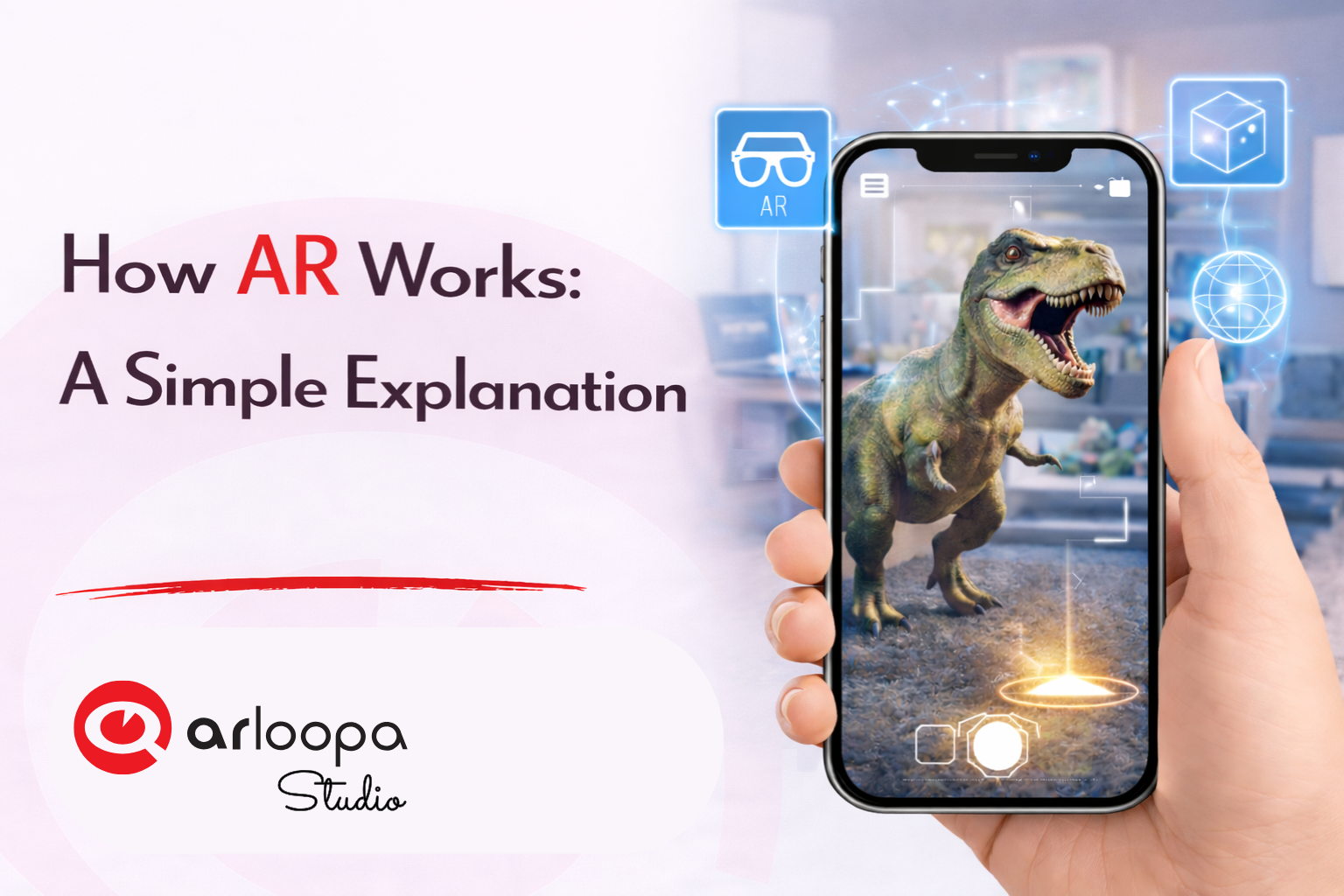
Augmented Reality (AR) is becoming one of the most exciting technologies of the digital era. From interactive marketing campaigns to immersive educational tools, AR is changing how we interact with digital content.
But many people still wonder: how does Augmented Reality actually work?
In this guide, we’ll break down how AR technology works in simple terms, explain the main components behind AR experiences, and explore how digital objects appear in the real world through your smartphone or AR device.
What Is Augmented Reality?
Augmented Reality (AR) is a technology that overlays digital elements—such as 3D models, animations, text, or images—onto the real world.
Unlike Virtual Reality (VR), which creates a completely digital environment, AR enhances the physical world by adding interactive digital content on top of it.
For example, when you point your phone camera at a poster and see a 3D animation appear on the screen, you are experiencing augmented reality.
The Basic Idea Behind AR Technology
At its core, AR works by combining three main elements:
- A camera or sensor that captures the real world
- Software that processes the environment
- Digital content that appears on the screen
These components work together to create the illusion that digital objects exist in the real environment.
Step 1: The Camera Captures the Real World
The first step in any AR experience is capturing the real-world environment.
Smartphones, tablets, or AR glasses use their built-in cameras and sensors to scan what is in front of the user.
The camera feed becomes the background where digital content will later appear.
Step 2: The AR System Understands the Environment
After capturing the camera feed, the AR system analyzes the environment using computer vision technology.
Computer vision allows the device to recognize:
- images or markers
- surfaces such as tables or floors
- objects in the environment
- location and orientation
This process helps the AR system determine where digital objects should appear in the real world.
Step 3: Tracking the Real World
AR technology needs to track the user’s movement and the position of the environment in real time.
This is done through different types of AR tracking methods, including:
Image Tracking
The system recognizes specific images, such as posters or packaging, and places digital content on top of them.
Surface Tracking
AR detects flat surfaces like floors, tables, or walls and places digital objects on them.
Location Tracking
Some AR experiences use GPS and location data to place digital content in specific real-world locations.
Tracking ensures that digital objects stay anchored to the correct position even when the user moves their device.
Step 4: Rendering Digital Content
Once the system understands the environment and tracks the correct position, the AR platform renders digital content on top of the real-world camera view.
This content might include:
- 3D models
- animations
- videos
- interactive elements
- text or graphics
The digital elements appear as if they are part of the real environment.
Step 5: Real-Time Interaction
One of the most exciting aspects of augmented reality is interaction.
Users can often interact with AR content by:
- tapping objects on the screen
- moving their device around the scene
- walking around digital objects
- triggering animations or actions
Because AR works in real time, the experience feels dynamic and immersive.
Devices That Support Augmented Reality
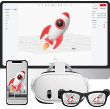
Augmented Reality experiences can be accessed through several types of devices.
Smartphones and Tablets
Most AR experiences today run on smartphones, making the technology widely accessible.
AR Glasses
Smart glasses allow users to see AR content without holding a phone.
Mixed Reality Headsets
Advanced devices combine AR with spatial computing to create more immersive experiences.
Because smartphones are so common, mobile AR is currently the most widely used form of augmented reality technology.
Real-World Applications of Augmented Reality
AR technology is used in many industries and everyday applications.
Marketing and Advertising
Brands use AR to create interactive campaigns and product experiences.
Education
Students can explore 3D models and interactive learning materials.
Retail
Customers can visualize products in their homes before buying.
Tourism
Travelers can access interactive guides and historical reconstructions.
Entertainment
AR games and filters create fun, interactive experiences.
Create AR Experiences with ARLOOPA Studio
If you're interested in building your own augmented reality experiences, ARLOOPA Studio provides tools for creating interactive AR content.
With ARLOOPA Studio, creators and businesses can build:
- AR marketing campaigns
- interactive educational experiences
- AR treasure hunts and games
- immersive storytelling projects
- interactive product packaging
The platform allows users to design AR experiences without complex programming knowledge.


See more articles



Solutions