




 What’s the Difference Between AR and VR?
What’s the Difference Between AR and VR?
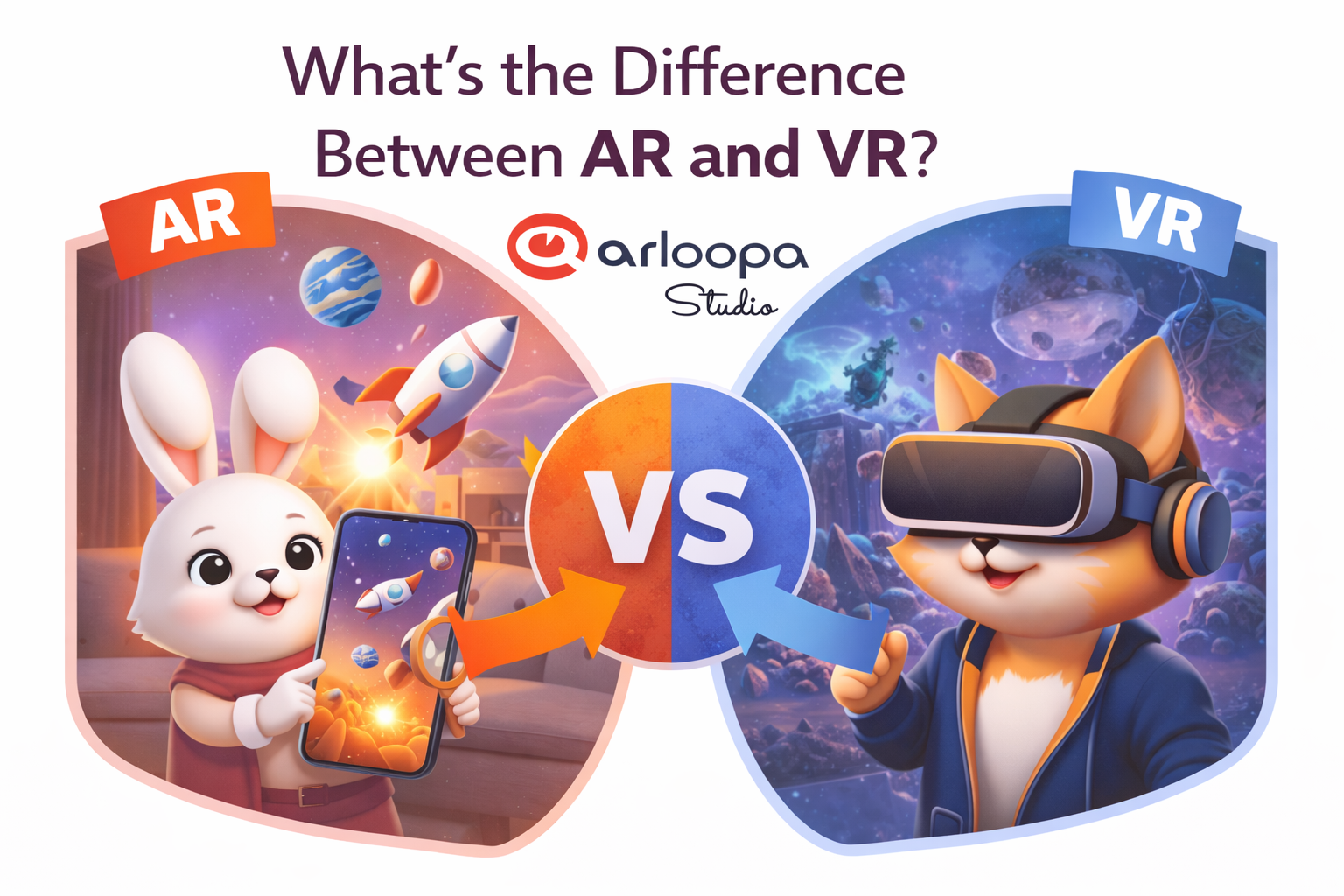
Immersive technologies are transforming the way we interact with digital content. Two of the most talked-about technologies today are Augmented Reality (AR) and Virtual Reality (VR). While they are often mentioned together, they work in very different ways and serve different purposes.
If you’re exploring immersive experiences for marketing, education, entertainment, or business, understanding the difference between AR and VR is essential.
In this guide, we’ll explain AR vs VR, how they work, their key differences, and when to use each technology.
What is Augmented Reality (AR)?
Augmented Reality (AR) is a technology that overlays digital elements onto the real world through devices such as smartphones, tablets, or AR glasses.
Instead of replacing reality, AR enhances the physical environment with interactive digital content like 3D models, animations, videos, or information.
For example, when you scan a printed image with your phone and see a 3D character appear on the page, that is Augmented Reality.
Key Features of AR
• Combines real-world environments with digital content
• Works on smartphones, tablets, and AR glasses
• Allows interaction with 3D models, animations, and information overlays
• Does not isolate users from their surroundings
Common Uses of Augmented Reality
AR is widely used across industries:
Marketing and Advertising
Interactive product packaging, AR campaigns, and branded experiences.
Education
Interactive textbooks, museum exhibits, and AR learning tools.
Retail
Virtual try-ons, product visualization, and interactive catalogs.
Events and Entertainment
AR photo filters, games, and immersive storytelling experiences.
Platforms like ARLOOPA Studio allow creators and businesses to easily build and publish AR experiences without advanced programming.
What is Virtual Reality (VR)?
Virtual Reality (VR) is a fully immersive digital experience that places users inside a completely virtual environment.
To experience VR, users wear VR headsets such as Oculus Quest, HTC Vive, or PlayStation VR. These devices block the real world and replace it with a computer-generated environment.
For example, VR can transport users into a virtual game world, simulated training environment, or digital museum.
Key Features of VR
• Creates a fully digital environment
• Requires VR headsets or specialized hardware
• Completely immerses the user in a virtual space
• Blocks out the real-world surroundings
Common Uses of Virtual Reality
VR is commonly used for:
Gaming
Immersive video game worlds.
Training and Simulation
Medical, aviation, and military training.
Virtual Tourism
Exploring digital recreations of real places.
Architecture and Design
Virtual walkthroughs of buildings and environments.
AR vs VR: Key Differences
Although both technologies are immersive, they provide very different experiences.
| Feature | Augmented Reality (AR) | Virtual Reality (VR) |
|---|---|---|
| Environment | Adds digital content to the real world | Creates a completely virtual world |
| Hardware | Smartphones, tablets, AR glasses | VR headsets |
| Immersion | Partial immersion | Full immersion |
| Accessibility | Easy to access through mobile devices | Requires specialized equipment |
| Interaction | Real world + digital interaction | Interaction only inside virtual world |
Simply put:
AR enhances reality, while VR replaces reality.
When Should You Use AR Instead of VR?
AR is often the better choice for marketing, education, and everyday user engagement because it is easier to access.
Since most people already own smartphones, AR experiences can reach a much larger audience without requiring special equipment.
AR is ideal for:
• Interactive marketing campaigns
• Product packaging experiences
• Educational content
• Retail product visualization
• Social media filters and effects
With tools like ARLOOPA Studio, businesses can quickly create AR experiences that customers can access instantly through their mobile devices.
When Should You Use VR?
VR is best suited for situations where complete immersion is necessary.
It works well for:
• Professional training simulations
• Gaming and entertainment
• Virtual tours and experiences
• Complex environment visualization
However, VR adoption can be limited because it requires VR headsets and specialized hardware.
Create Your Own AR Experiences with ARLOOPA Studio
If you want to explore the possibilities of Augmented Reality, ARLOOPA Studio makes it easy to create interactive AR experiences.
With ARLOOPA Studio you can build:
• interactive marketing campaigns
• AR treasure hunts and games
• educational AR content
• interactive product packaging
• immersive storytelling experiences
All without complex coding.
Start building your own Augmented Reality experiences and bring digital content into the real world.


See more articles



Solutions